Flip Image Online
Free Online Image Flipper Tool (Horizontal & Vertical)
Flip Image Online
Upload an image, mirror it horizontally or vertically, preview the result, and download a clean flipped copy in seconds.
Image Preview
Your flip changes appear here before download.





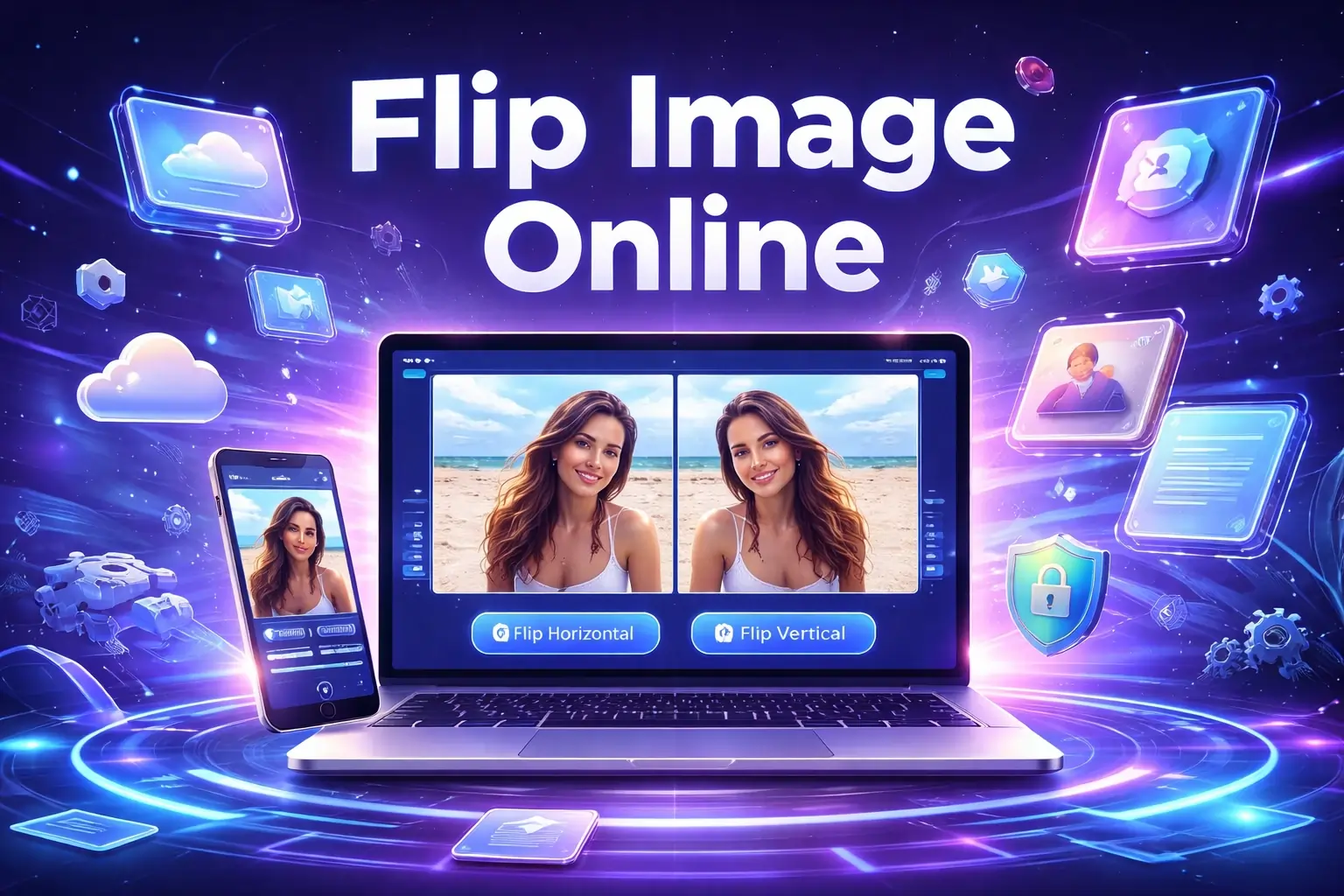
Flip Image Online – Free Image Flipper Tool
By Chandu | Updated on January 2026 | Free Image Tool
flip image online is the fastest way to fix a photo that looks “backwards,” correct a selfie mirror effect, or flip a product image that was saved in the wrong direction. This free online image flipper tool helps you flip pictures directly in the browser, so you don’t need to install an app or sign up anywhere.
These issues are more common than they sound. A selfie may show text reversed on a t-shirt. A scanned worksheet can look mirrored. A product photo may need a horizontal flip so it matches how the item looks in real life. With Flip Image Online by ChanduSEOTool, you upload an image, choose horizontal or vertical flip, preview the result, and download the corrected file in seconds. It’s simple enough for beginners and useful for everyday editing tasks.
It’s great for students, designers, photographers, and website owners who want quick fixes without software.
Table of Contents
What is Image Flipping?
Image flipping means reversing an image so it appears in the opposite direction. Unlike rotating (which turns the image), flipping creates a mirror-like change. This is useful when a photo looks backwards, a screenshot is mirrored, or you want a symmetrical version of a design.
There are two main types of flipping:
- Horizontal flip: Left becomes right, and right becomes left. This is the most common “mirror image online” effect.
- Vertical flip: Top becomes bottom, and bottom becomes top. This is useful for reflections, creative designs, or correcting certain camera outputs.
Real-life examples where flipping helps:
- A selfie where text appears reversed (like a hoodie logo or signboard).
- A scanned document that came out mirrored by mistake.
- A product photo that needs to face the “right direction” on a listing page.
- A design mockup where you want to compare two orientations quickly.
Why Flip Image Online?
For Students
Students often need quick edits for assignments, presentations, and project submissions. You may have a scanned diagram that’s mirrored, or a photo of notes that looks wrong. Using flip image online saves time and avoids installing editing apps on shared computers.
For Designers
Designers use mirror image online to test layouts, symmetry, and composition. Flipping a picture can reveal balance problems in a design, help compare two versions of a banner, or create a mirrored visual style. An image flip tool is a quick step that keeps your workflow moving.
For Photographers
Sometimes a camera or editing export creates an unexpected mirrored look. Photographers also flip images for creative reasons—like making a subject face toward text in a poster. If you need reverse image online results quickly, a browser tool is a simple solution for fast corrections.
For Website Owners
Website owners work with many product photos, banners, and thumbnails. A simple flip photo online fix can help keep images consistent across a store. Flipping can also help align a model’s pose with the direction of a CTA button or improve how a hero banner “flows” visually.
When the goal is a fast correction, flip image online is easier than downloading apps, learning complex editors, or asking someone else to fix it.
How to Flip Image Online
Step 1: Open Tool
Open ChanduSEOTool and go to the Flip Image Online tool page. The tool is browser-based, so there’s no installation, and you can start immediately.
Step 2: Upload Image
Upload your image from your device. Common formats include PNG, JPG, JPEG, and WebP. If you’re using transparent images (like logos), PNG is often the best format to keep transparency intact.
Step 3: Choose Flip Option (Horizontal / Vertical)
Select the flip direction based on what you need:
- Flip image online horizontal: Best for mirror effects and left-right correction.
- Flip image vertically online: Best for top-bottom reversal and reflection-style edits.
Step 4: Click Flip Button
Click the flip button to apply the change. Most images flip instantly or within a few seconds, depending on file size and device speed.
Step 5: Download Image
Preview the output, then download the flipped image. Save it with a clear name like product-front-flipped.jpg so you don’t confuse it with the original.
Extra tips:
- Keep your original file saved before editing, especially for important work.
- Always check the preview before downloading—horizontal vs vertical can be easy to mix up.
- If your image contains text, check if the text should be readable or intentionally mirrored for a design effect.
Types of Image Flip
Flip image online horizontal
This is the most popular option. A horizontal flip turns the image into a left-right mirror. It’s helpful for selfie corrections, facing-direction fixes in banners, and product photos that look “reversed.” If you search for flip image online horizontal, this is usually what people mean.
Flip image online mirror
A “mirror” flip is typically the same as a horizontal flip. It creates the classic mirrored look—useful for correcting camera mirror effects or creating a symmetrical visual style. If you want flip image online mirror results, choose the horizontal option and confirm in the preview.
Flip image vertically
Vertical flipping turns the image upside-down in terms of top and bottom, without rotating it like a 180-degree turn. It can be used for reflection designs, creative edits, or fixing specific export issues where the image appears inverted.
Flip image online png
PNG is a great choice when your image has a transparent background, like a logo or sticker. Flipping a PNG keeps the edges clean, and a good flip image online tool should preserve transparency in the output.
Flip image online url
Some workflows involve images stored on a link. If your tool page supports URL input, you can paste the image URL and flip it without downloading first. If URL flipping isn’t available, download the image and upload it normally. Either way, the goal is the same: flip picture online quickly and get a usable file.
Flip image online bulk
Bulk flipping means flipping multiple images one after another, usually for product catalogs or batches of photos. If the tool supports multiple uploads, you can process images in bulk. If not, you can still flip images in a simple workflow: upload → flip → download, then repeat. For consistent results, use the same flip direction for the full batch.
Flip image online editor
An online editor usually means you can preview changes before downloading. Preview matters because flipping is easy to do in the wrong direction. A good editor-style workflow is: choose flip type → preview → download, without extra steps or confusing settings.
Key Benefits
100% Free
This tool is designed for everyday users. You can flip image online free for quick corrections and simple edits without paying for software or subscriptions.
No Signup
Many people just want a fast fix. Flip image online no signup means you can upload, flip, and download without creating an account or sharing personal details.
Instant Processing
Flipping is a simple operation, so results usually appear quickly. This is helpful when you are fixing multiple photos or working on a deadline for a website update.
Privacy Safe
Privacy matters when working with personal photos or business images. Use the tool on your own device and a trusted network. Avoid uploading highly sensitive content to any online service, and keep your originals backed up locally.
Works on Mobile
You can flip photo online from a phone or tablet if your browser supports image uploads and downloads. This is useful for quick fixes when you don’t have access to a computer.
No Watermark
Downloaded images should be clean and ready to use. The tool focuses on giving you a normal output image without adding branding on top of your photo.
High Quality Output
Flipping does not reduce quality by itself. Your output should look the same as the original, just reversed. For best results, start with a sharp image and avoid repeatedly saving and re-editing the same file.
Common Issues & Fixes
Problem: Image not uploading.
Check that your file is PNG, JPG, JPEG, or WebP. If the file is very large, try resizing it first. You can also try a different browser or temporarily disable strict extensions that block uploads.
Problem: I flipped the wrong direction.
This is common. Use the preview to confirm whether you need horizontal or vertical. If it looks incorrect, switch the flip option and try again. A horizontal flip creates the classic mirror effect.
Problem: Large image feels slow.
Very high-resolution photos can take longer to process in the browser. Resize the image to the size you actually need (for example, website banner size) before flipping. Closing extra tabs can also speed things up.
Problem: Browser issues or download not working.
If the download doesn’t start, check popup blockers and browser download permissions. Try using Chrome, Firefox, or Edge. On mobile, ensure you have enough storage and that downloads are allowed in your browser settings.
FAQs
Is this flip image online tool free?
Yes. You can flip image online free without paying or subscribing. The tool is designed for quick fixes like mirror corrections, product image adjustments, and simple orientation changes.
Is my image safe?
Use the tool on a trusted network and personal device for best safety. Avoid uploading sensitive or private images to any online service. For everyday photos, product images, and design assets, the tool provides a simple flip-and-download workflow.
Can I flip PNG images?
Yes. You can flip image online png files, which is especially useful for logos or graphics with transparent backgrounds. After flipping, download the image and confirm transparency looks correct in the preview.
Can I flip image using URL?
If the tool supports flip image online url input, paste the direct image link and flip it. If URL mode is not available, download the image first and upload it from your device. Both methods lead to the same final result.
Does it work on mobile?
Yes. You can flip picture without app by using a mobile browser. Upload the image from your phone gallery, choose the flip direction, preview it, and download the flipped image.
Do I need to create an account?
No. This is a flip image online tool that works without signup. You can open the page, upload your image, flip it, and download the result right away.
Related Image Tools
If you regularly edit images for websites or projects, these tools can help with conversion, resizing, and quick file preparation:
- Image to Base64
- Base64 to Image
- Image Converter
- Image Resizer
- Image Cropper
- PNG to JPG
- JPG to PNG
- Base64 Convert Image
Conclusion
Flip Image Online is a practical way to correct mirrored selfies, fix product photo direction, and create clean reversed versions of images without installing apps. You can upload PNG, JPG, JPEG, or WebP, choose horizontal or vertical, preview the result, and download in seconds. It’s free, fast, beginner-friendly, and works with no signup, making it easy for everyday image fixes.
https://chanduseotool.com/assets/img/flip-image-online.webp

Popular Tools
Recent Posts


